🧑💼
Client
Give clients access to updates, files, invoices, proposals, and project information.

No two businesses need the exact same app. Some need a simple client dashboard. Others need a more advanced system with forms, approvals, documents, and automated updates.
That is why we build it around your actual process — so it feels intuitive for your users and useful for your team.
A branded set of screens for a specific job — back office, customer, or both. People open it on a phone or a station and do the work. What they tap is already the office record.
Depending on the job, the app can let people:
Not a second database. Not a pile of custom code you own.
Email and spreadsheets stop being enough. The same questions get asked. Files get buried. Floor people get office logins they will never use.
The app:
Same Studio underneath. One process, not a stack of disconnected tools.
For
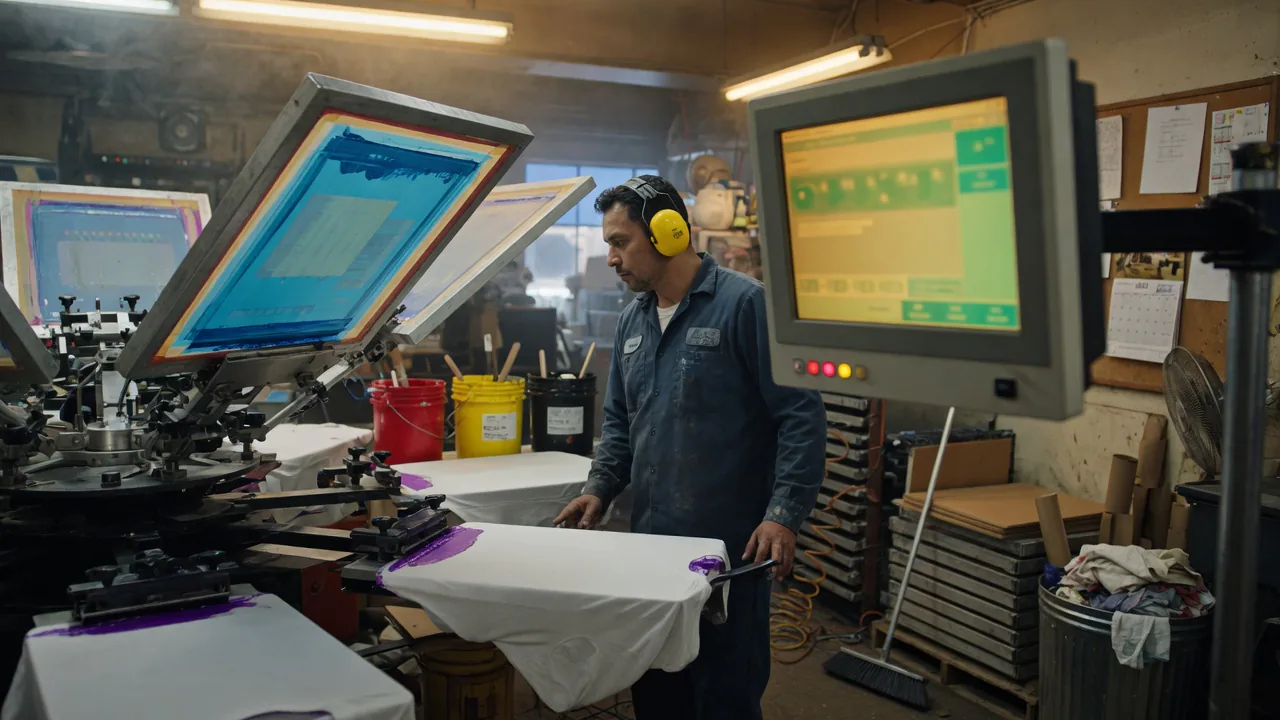
Press / production
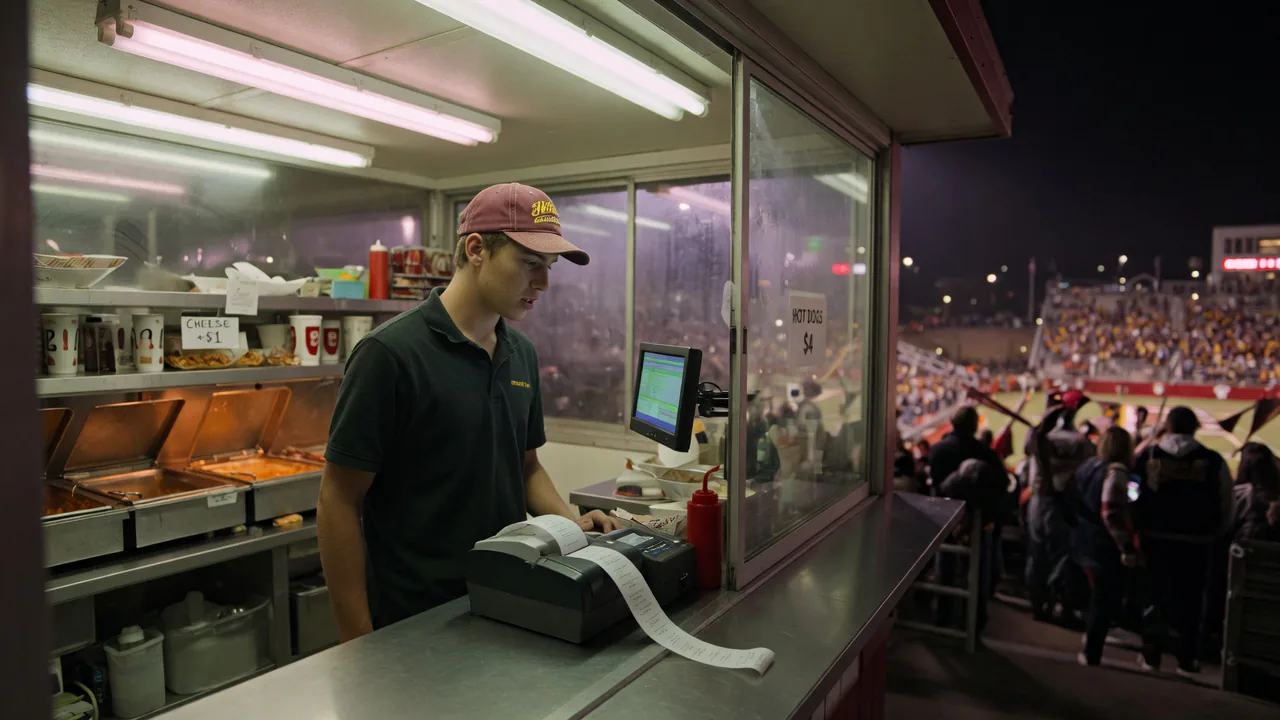
Stand + seats
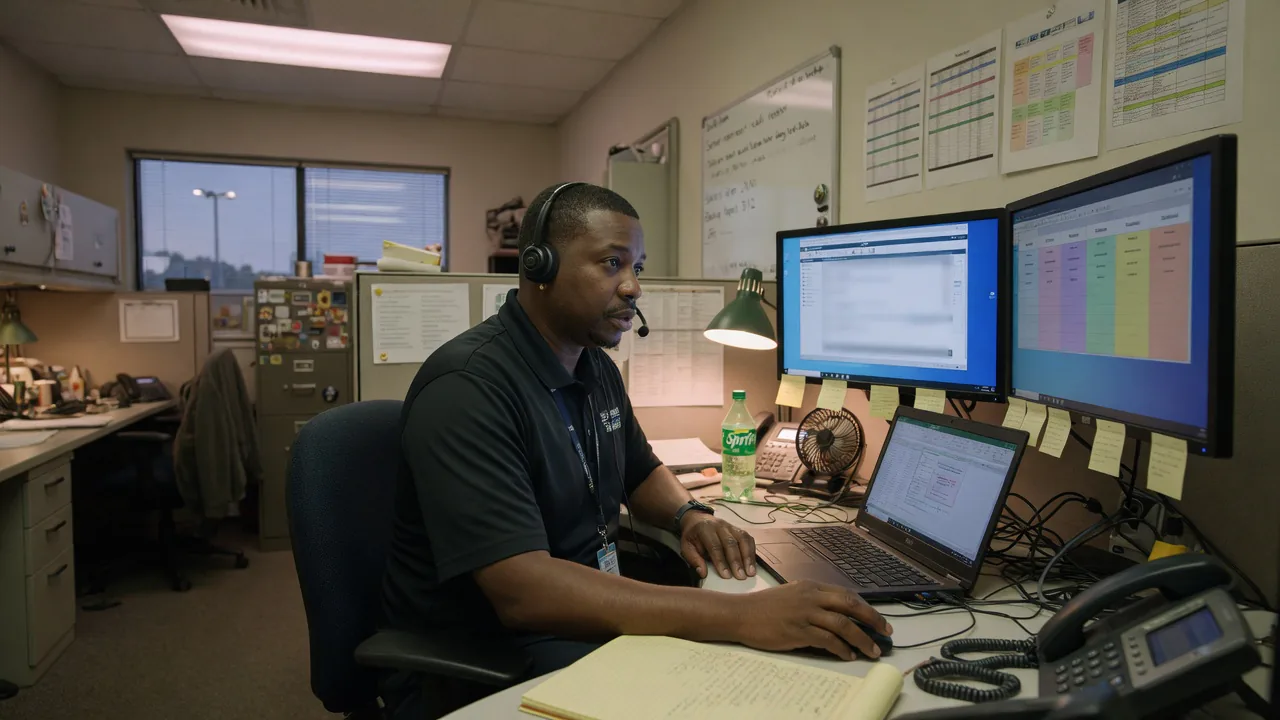
Tickets on the floor
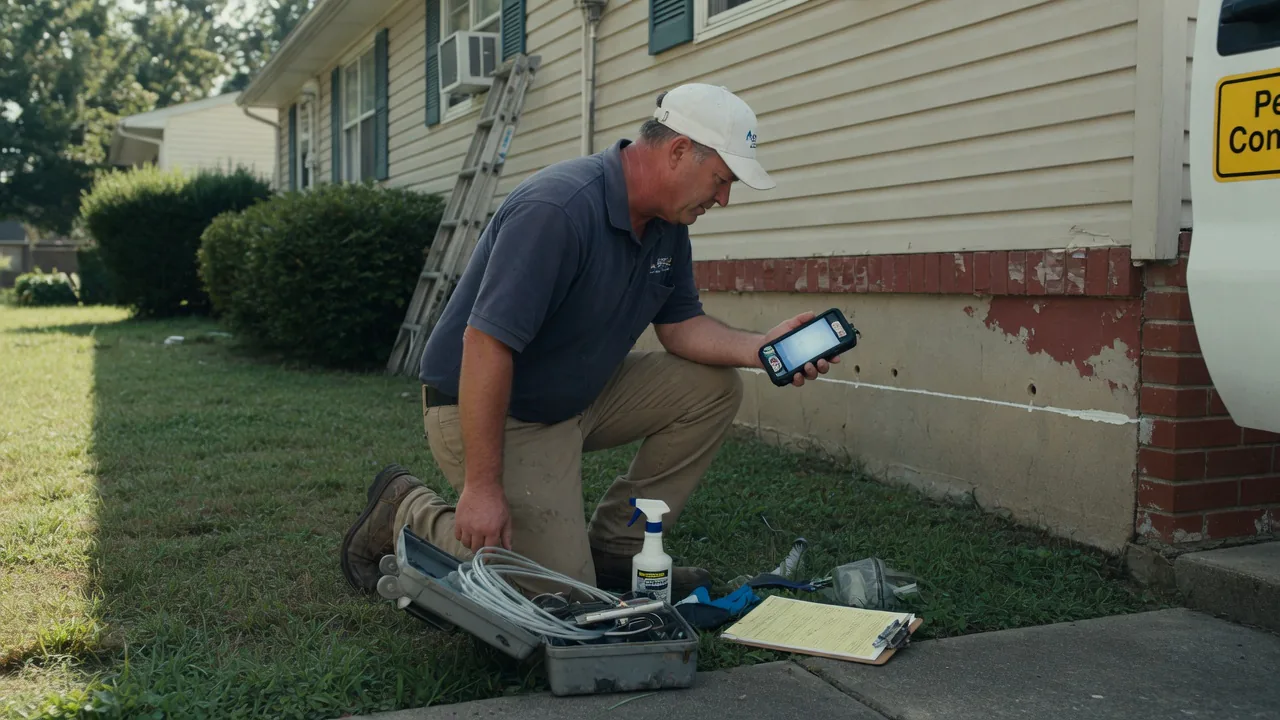
In the field
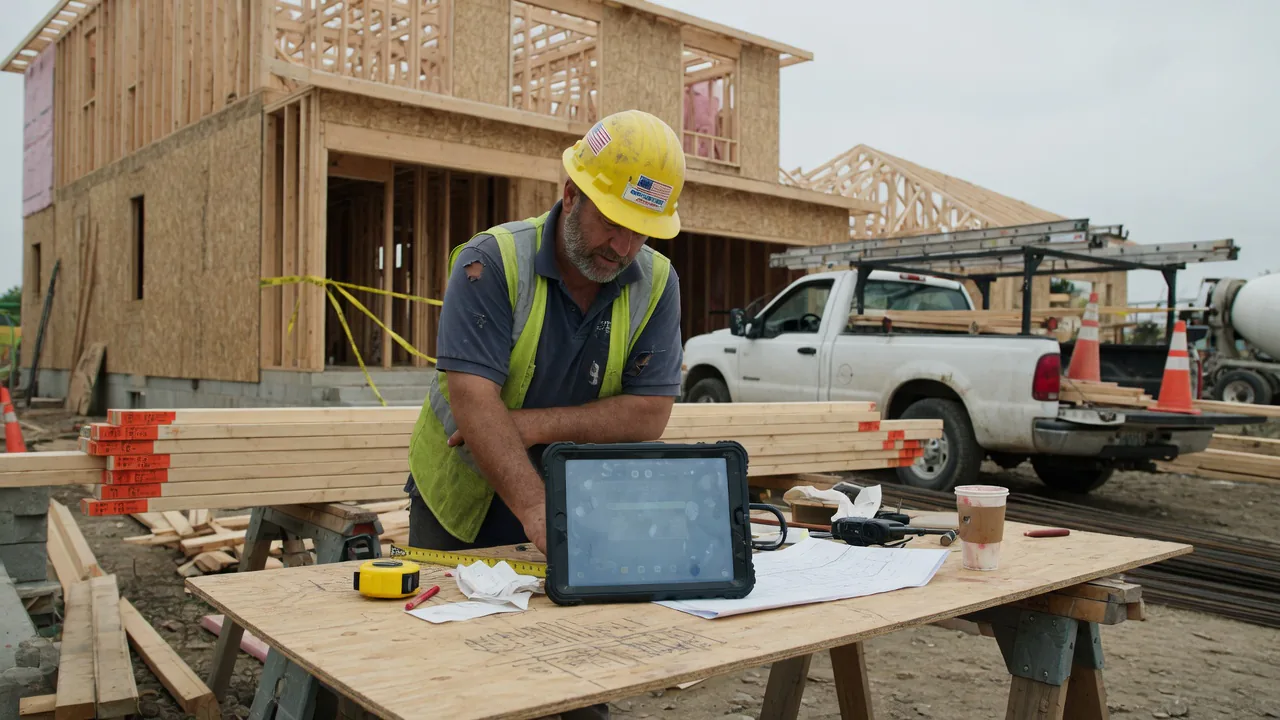
Jobsite
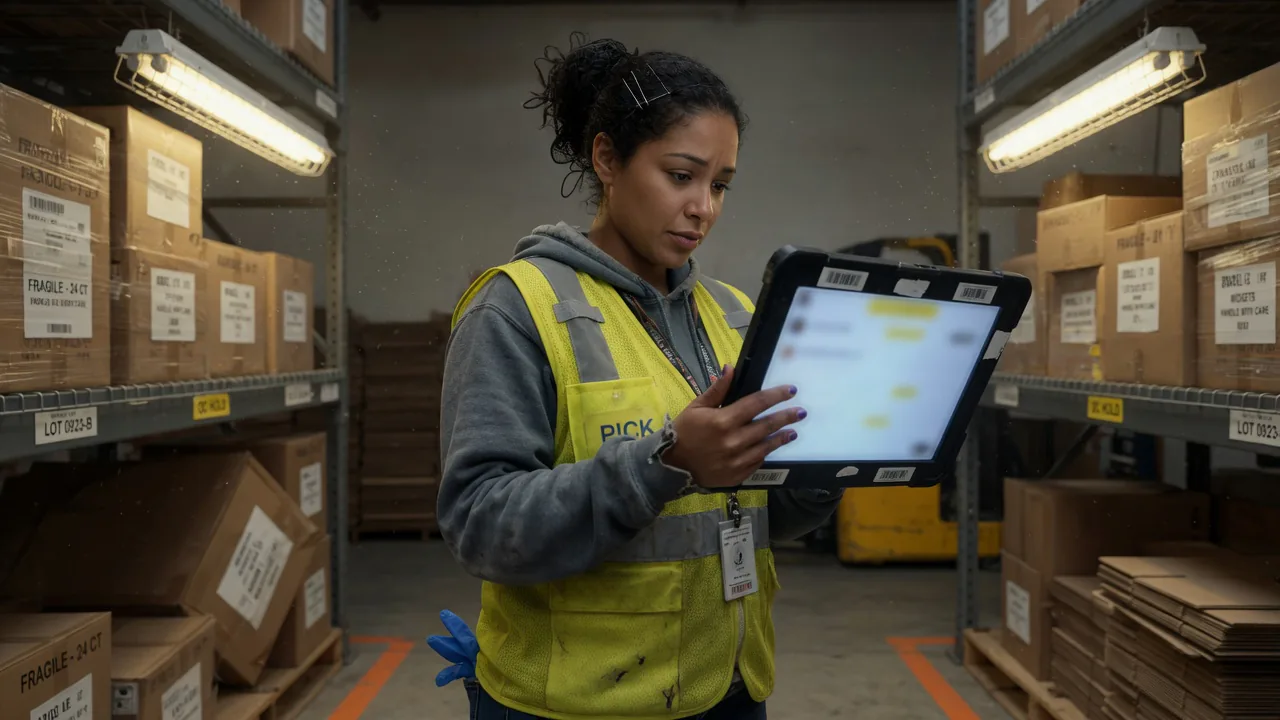
Warehouse / floor
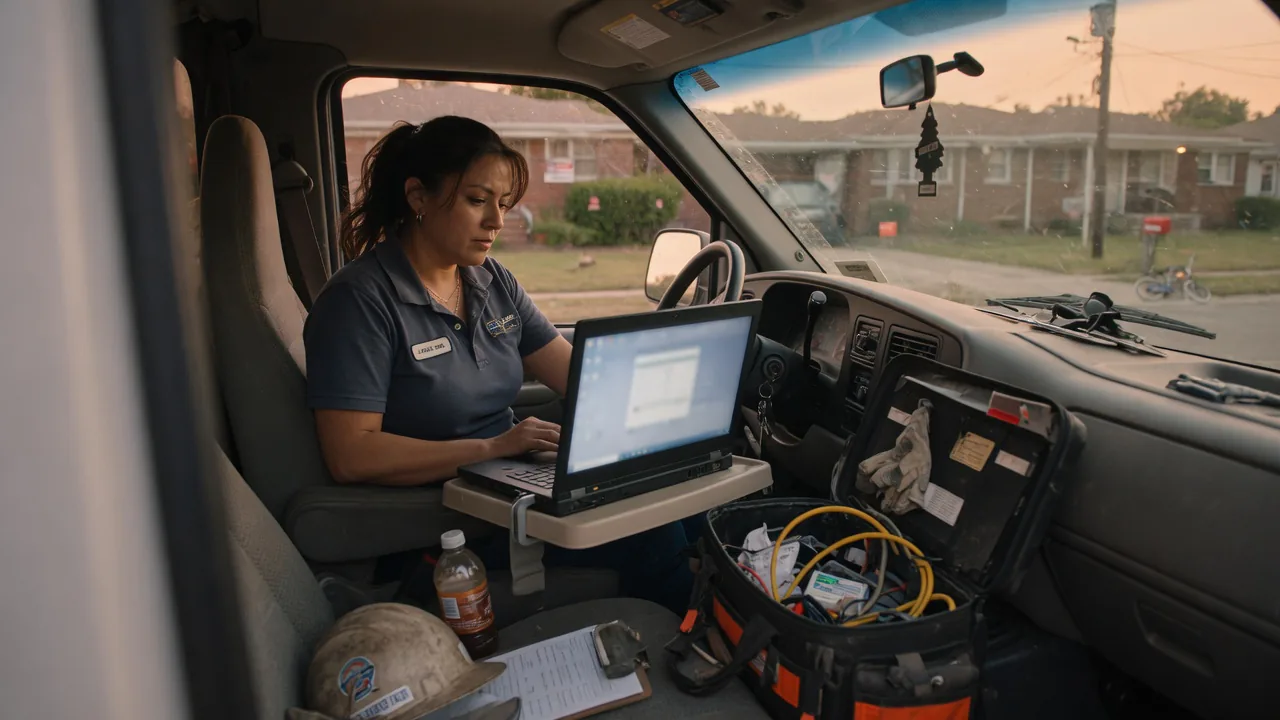
Van
Two kinds of app
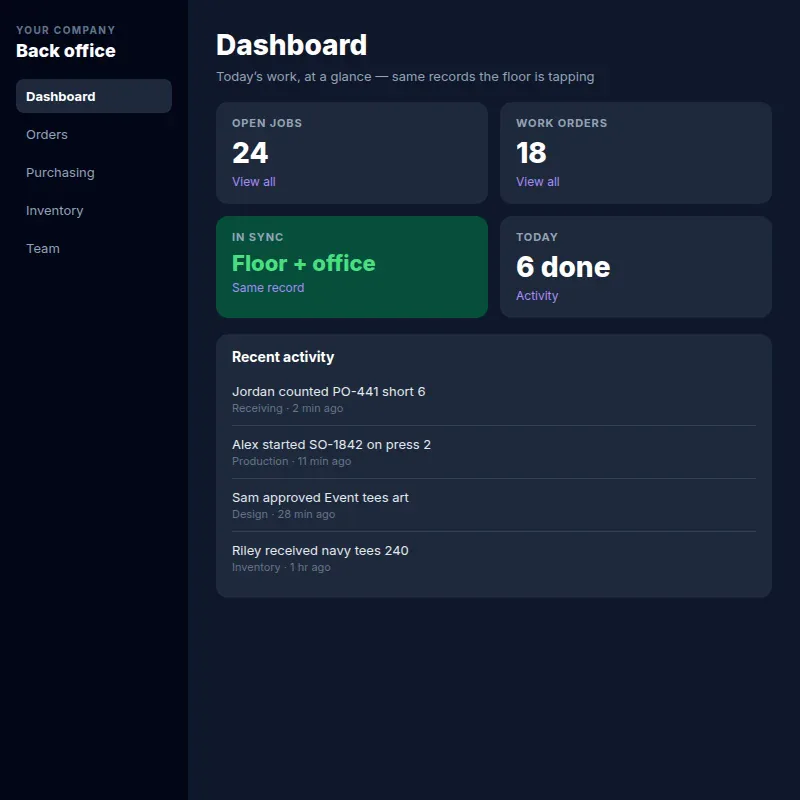
Screens for the job — press, warehouse, field, station. Your logo, your domain. What they tap is already in the office.
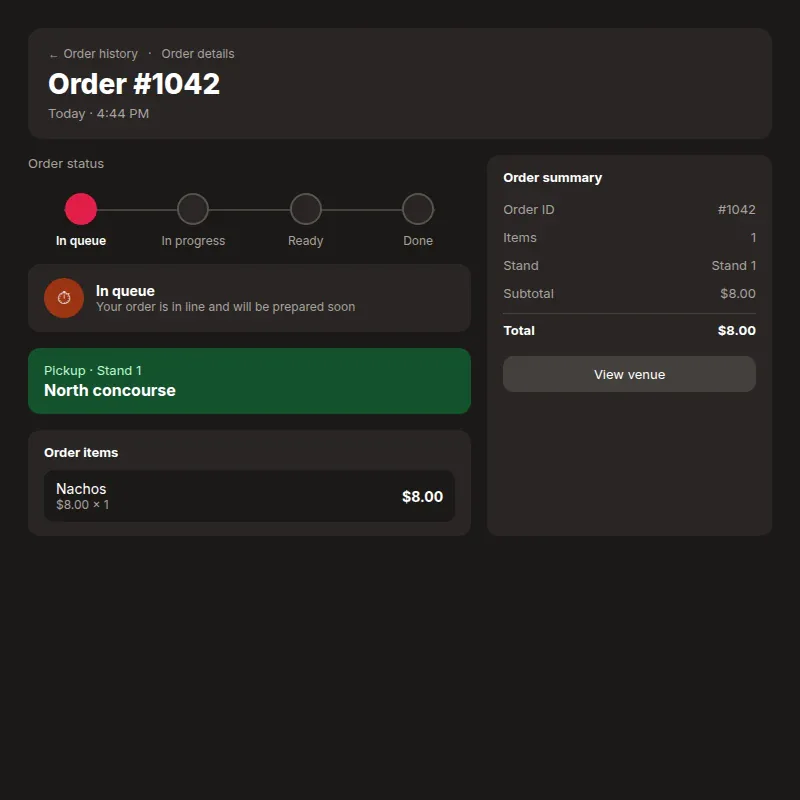
Order, pay, status. Not a Studio login. A smaller app for your customers.
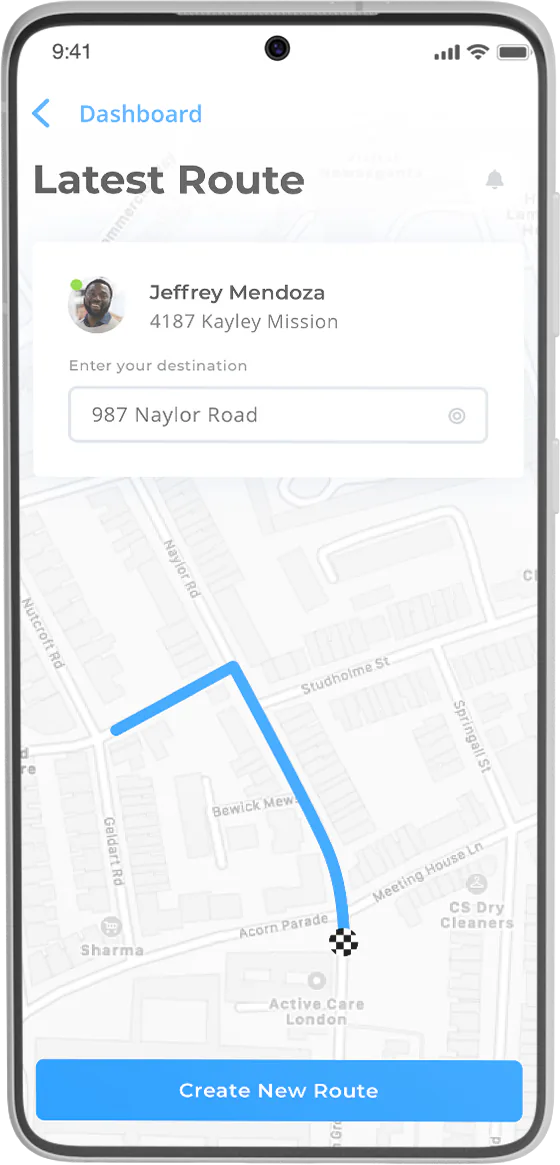
The app can be built for many types of businesses and workflows.
Give clients access to updates, files, invoices, proposals, and project information.
Let customers submit tickets, track issues, and access help resources.
Make it easier for vendors to share documents, submit information, and manage communications.
Provide members with a private area for resources, updates, and account management.
Create a central workspace for employees or teams to access tools, forms, and workflows.
Streamline scheduling, requests, and customer communication for service-based businesses.
By industry
Production, purchasing, receiving, and inventory — four jobs, one app. They only see the screens for that job.
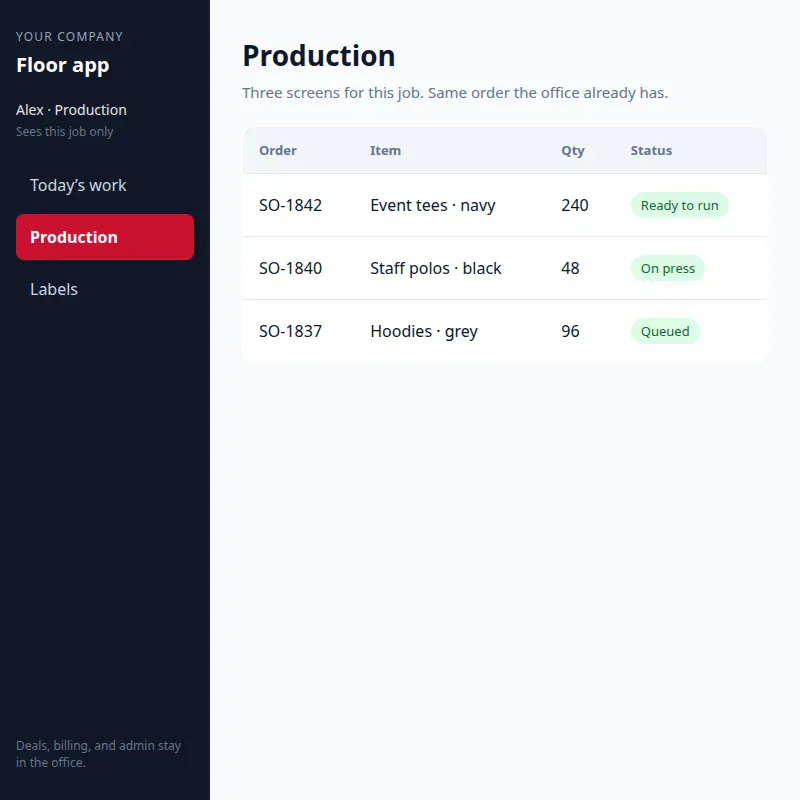
Only the screens for that job
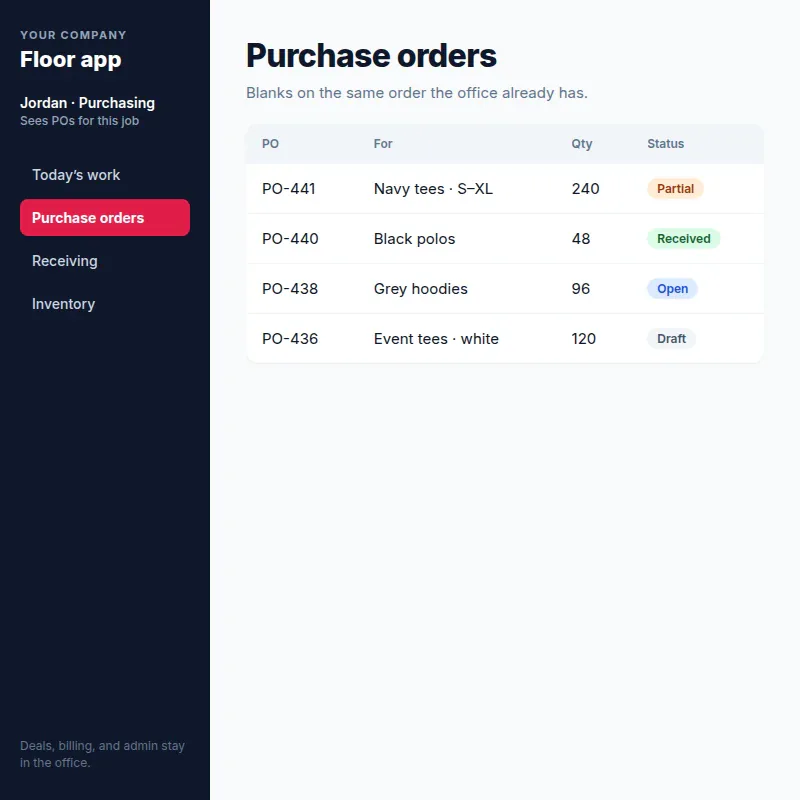
Blanks on the same order
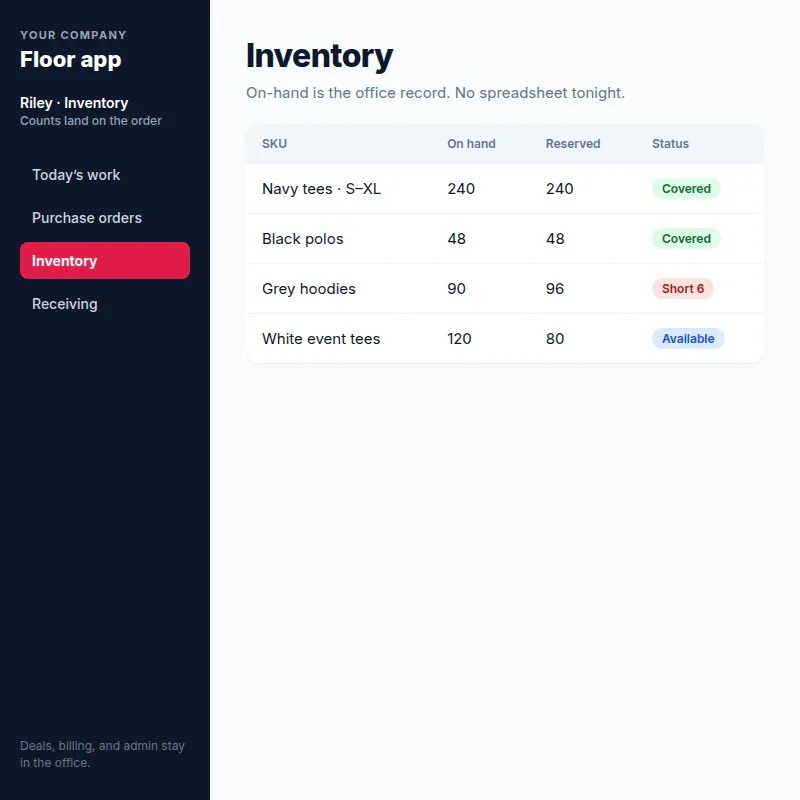
On-hand is the office record
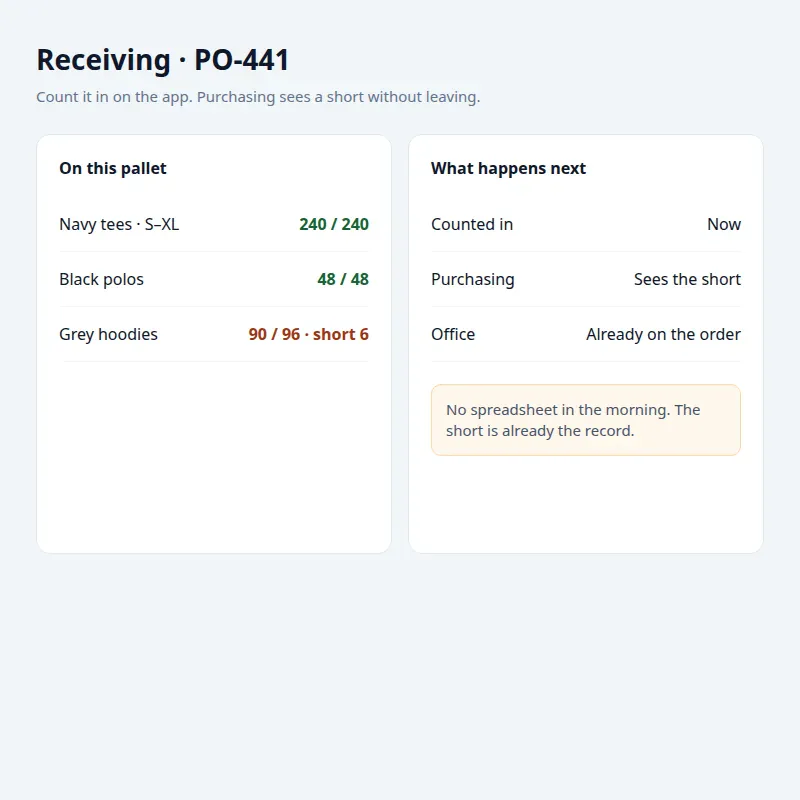
Count it in. Purchasing sees a short.
The day starts on the same order the office already has.
What they quote is the live price — not a printout.
The sale is already in the office.
Blanks are ordered on the same app.
Short or damaged shows up without leaving the app.
The press only sees this job.
Finished work stays on the same order.
If something is short or damaged, purchasing sees it without leaving the app. In the morning the office is not importing a spreadsheet.
Office people live in Studio. Floor people get the screens for that job. The $50/month office login is for people who work in the office system all day — not a press, a van, or a stand.
* Portal / floor user rates may vary. Scoped on a walk.
| Setup | Everyone on office logins | Office on Studio. Floor on the app. |
|---|---|---|
| 10 office people | 10 × $50 = $500 | 10 × $50 = $500 |
| 40 station people | 40 × $50 = $2,000 | 40 × $10* = $400 |
| What you pay | $2,500/mo | $900/mo |
| $2,500/mo | $900/mo |
Benefits
How it happens
We map the jobs onto Studio. You do not own a pile of custom code, and we do not hand you a generic template.
Who the app is for — back office, customer, or both — and what problem it has to solve.
The screens, permissions, and actions. Same records the office already keeps.
Your brand, your domain, wired to Studio. Browser works. A phone app if the job lives on a phone.
Test the real job, adjust, then people work in it. Floor price is scoped on the walk.
Phase 2
Office + floor, fan app, or both — tell us which job to open.