+
Secure login
Give users private access to their own account, documents, or requests.

Give your customers, clients, vendors, or team members one place to access information, submit requests, track progress, and stay connected. A custom portal reduces back-and-forth emails, keeps everything organized, and creates a smoother experience for everyone involved.
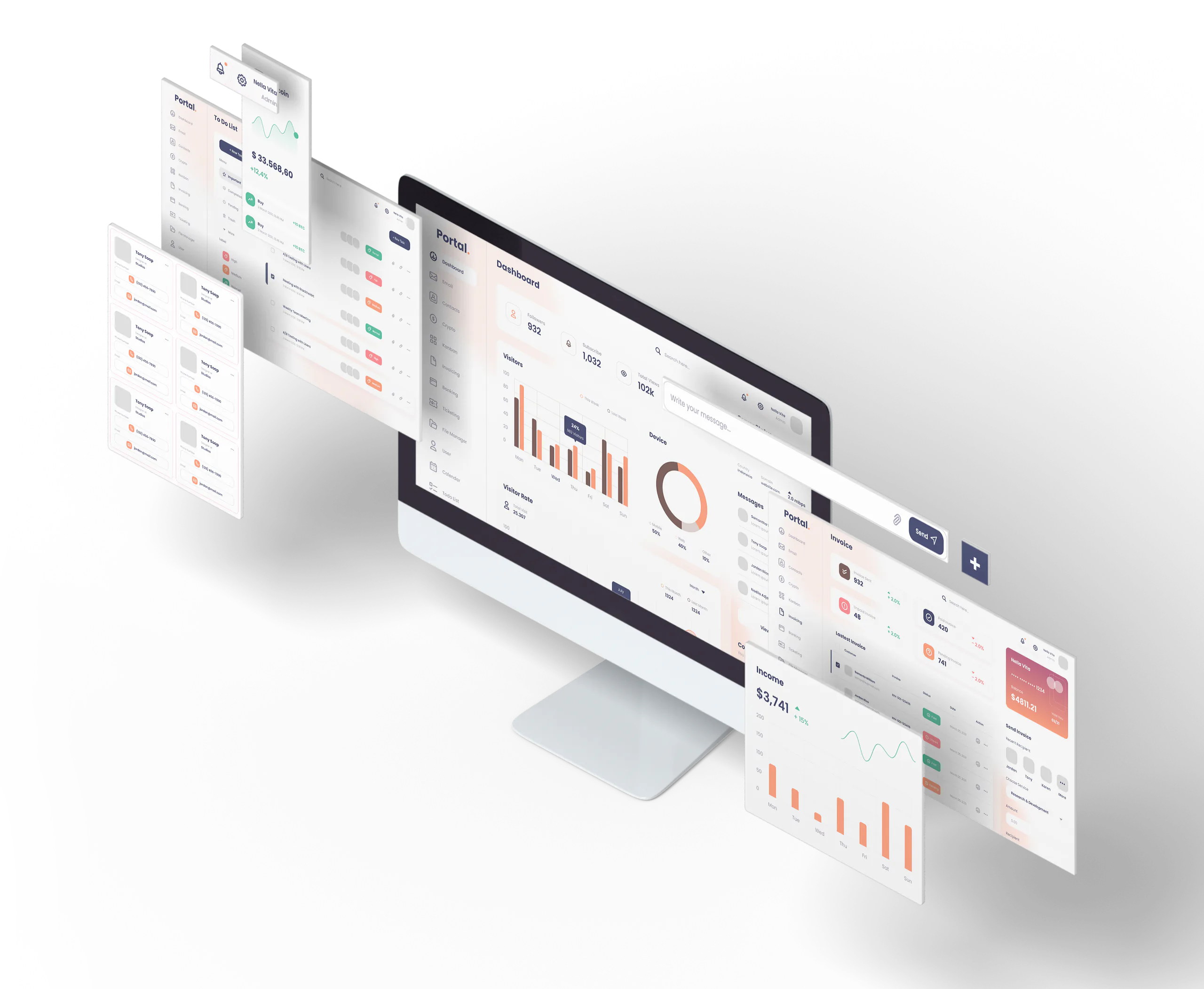
A custom portal is a secure online space designed for your audience to log in and interact with your business. Instead of relying on scattered email threads, phone calls, and manual follow-ups, a portal gives people a central place to find what they need and complete common tasks on their own.
Depending on your goals, a portal can let users:
A good portal makes your business easier to work with — and easier to run.
Many businesses reach a point where email alone is no longer enough. Customers ask the same questions repeatedly. Staff spend too much time sending updates. Files get buried. Requests get missed.
A custom portal helps solve those problems by creating a single, structured place for communication and access.
Instead of juggling disconnected tools, you get one streamlined system built around your process.
Every portal is different, but common features include:
Give users private access to their own account, documents, or requests.
Match your portal to your company’s look and feel so it feels like part of your business, not a separate tool.
Let users submit support requests, intake forms, service needs, or otherinformation in a structured way.
Allow customers to submit issues and check status without emailing back and forth.
Share proposals, contracts, reports, onboarding materials, or other resources in one place.
Collect approvals or route documents for signing as part of the portal workflow.
Let clients view invoices, payment requests, or account-related information.
Control what each type of user can see and do inside the portal.
Keep users informed when something changes, is approved, or needs attention.
Custom portals can be built for many types of businesses and workflows.
Give clients access to updates, files, invoices, proposals, and project information.
Let customers submit tickets, track issues, and access help resources.
Make it easier for vendors to share documents, submit information, and manage communications.
Provide members with a private area for resources, updates, and account management.
Create a central workspace for employees or teams to access tools, forms, and workflows.
Streamline scheduling, requests, and customer communication for service-based businesses.
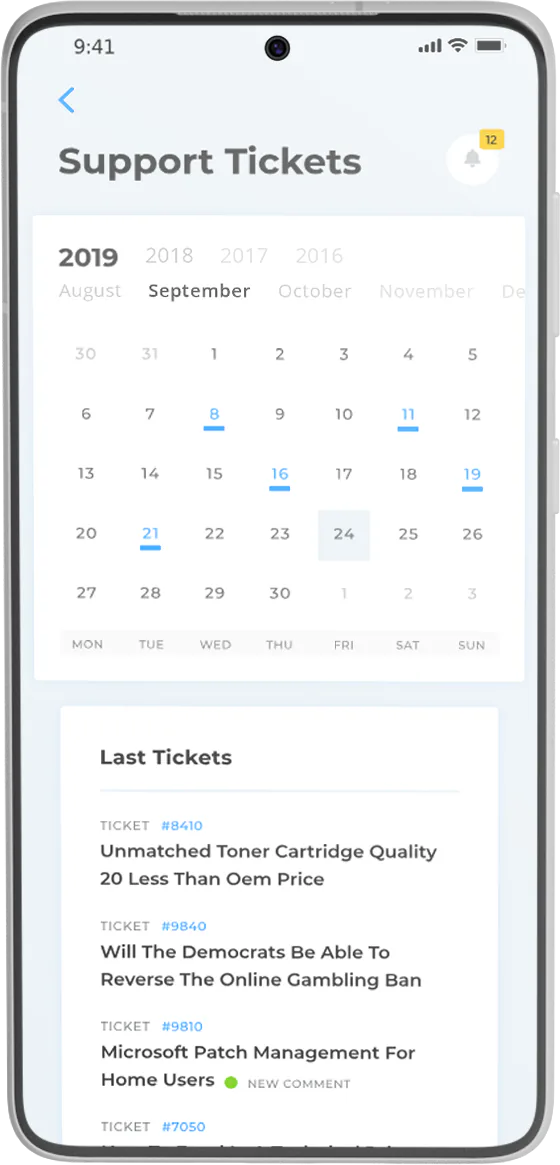
A well-designed portal does more than organize information. It improves the way your business operates.
Keep routine communication in one place instead of buried across inboxes.
Help people get answers, access, and updates without waiting for manual responses.
Make it easier for people to work with you and get what they need.
Reduce repeated tasks and create a more predictable process.
Offer a polished, professional environment that reflects your business.
Decide exactly what users can see, submit, and manage.
We build portals around your business goals and existing workflow, not a generic template.
We start by understanding who the portal is for and what problems it needs to solve.
Next, we identify the forms, pages, permissions, and actions the portal should support.
Then we create the portal, match it to your brand, and connect the tools and processes it needs.
Finally, we test the experience, make adjustments, and get it ready for real-world use.
No two businesses need the exact same portal. Some need a simple client dashboard. Others need a more advanced system with forms, approvals, documents, and automated updates.
That’s why we focus on building a portal around your actual process — so it feels intuitive for your users and useful for your team.
Whether you want to simplify communication, improve support, or create a fully branded digital experience, we can help you build something practical and effective.
If you’re ready to replace scattered emails, manual follow-ups, and disconnected tools with one organized customer experience, we’d love to help. Let’s build a custom portal that fits your workflow, supports your users, and makes your business easier to run.